Airport Density Altitude
Live density altitude for pilots, on iPhone and Apple Watch.
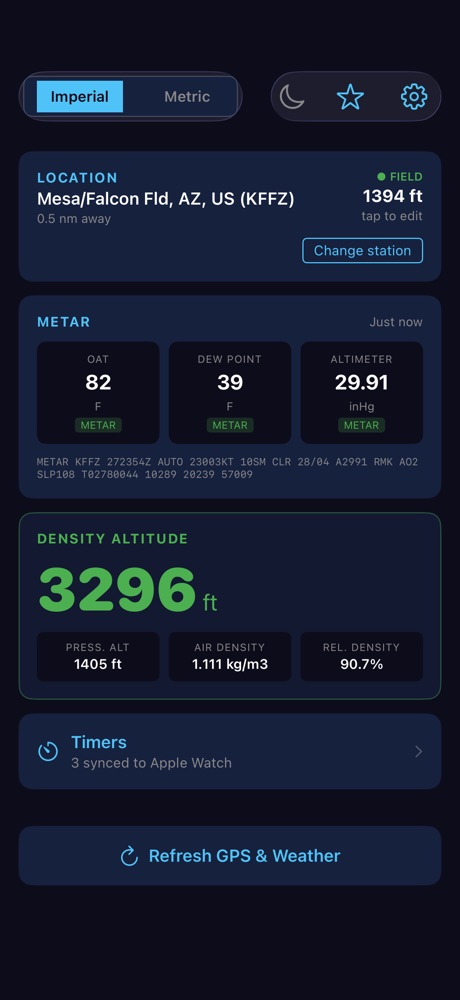
Airport Density Altitude pulls the current weather for the airport nearest you and turns it into the numbers that matter for takeoff and landing performance: density altitude, pressure altitude, and air density. No typing, no chart lookups.
Features
Live METAR weather
Current temperature, dew point, and altimeter setting from aviationweather.gov, with the raw METAR shown so you can check it.
Nearest airport by GPS
Finds the closest reporting station and uses the published field elevation. Change the station any time.
Full atmosphere readout
Density altitude, pressure altitude, air density, and relative density in imperial or metric units.
Night-vision mode
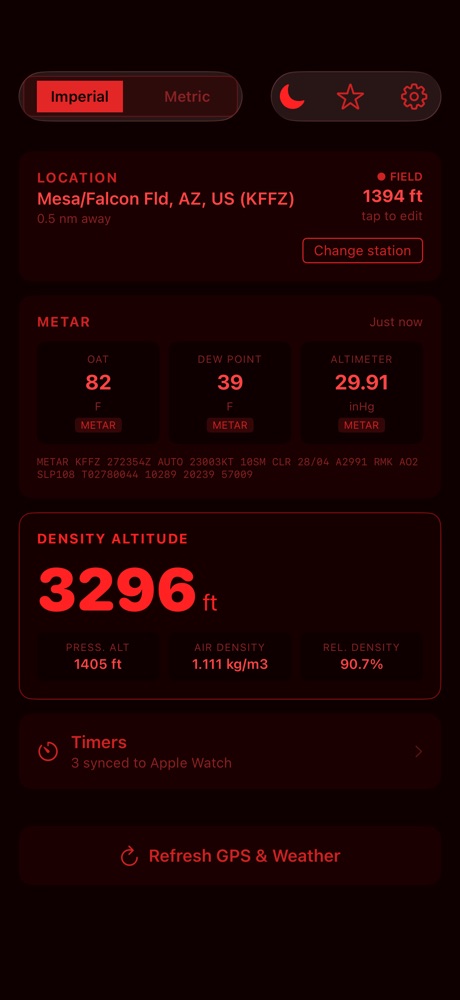
A red cockpit-friendly display that protects your night vision, switched on by hand or automatically in low light.
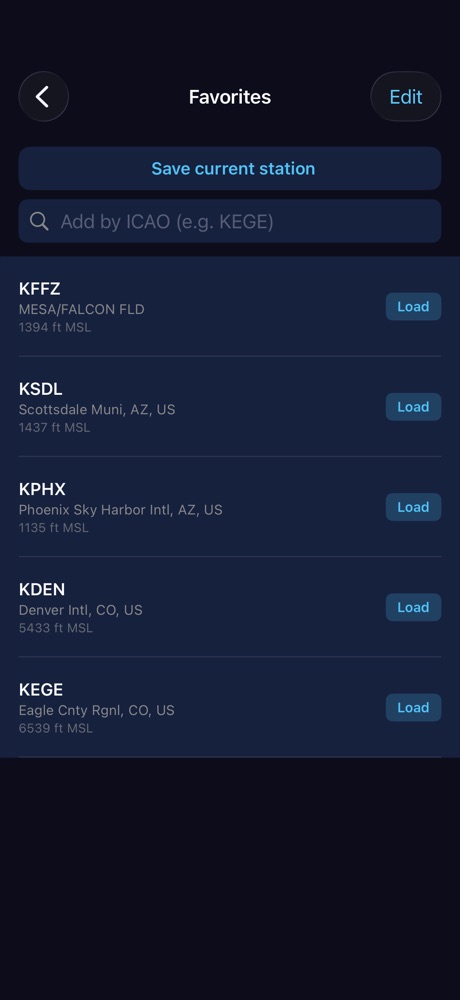
Favorite airports
Keep the fields you fly from one tap away.
Cockpit timers
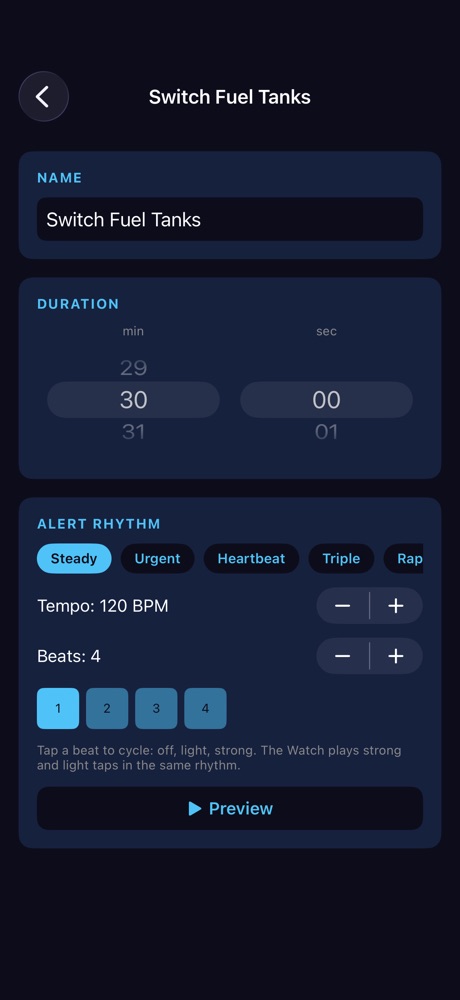
Fuel-tank switch, hold-leg, and run-up presets, or build your own, with a custom haptic alert rhythm.
Apple Watch companion
Density altitude on your wrist, plus a watch-face complication with local time, Zulu time, and timer shortcuts.
How it works
The app computes station pressure from the altimeter setting and field elevation, derives vapor pressure from the dew point, calculates moist-air density, and converts that density to an equivalent standard-atmosphere altitude. The method follows the widely used Shelquist / NWS-ASOS density altitude algorithm.
Questions?
See the support page or read the privacy policy.
Not for sole use in flight planning. Airport Density Altitude is an aid to pilot awareness. Weather data can be delayed, missing, or wrong. Always verify conditions with official sources and your aircraft’s Pilot’s Operating Handbook. The pilot in command is responsible for all performance and go/no-go decisions.